Writing and preview
Write in Markdown. The PDF sits next to the editor and follows your caret and scrolling. Click text in the PDF and the caret jumps to the same passage.
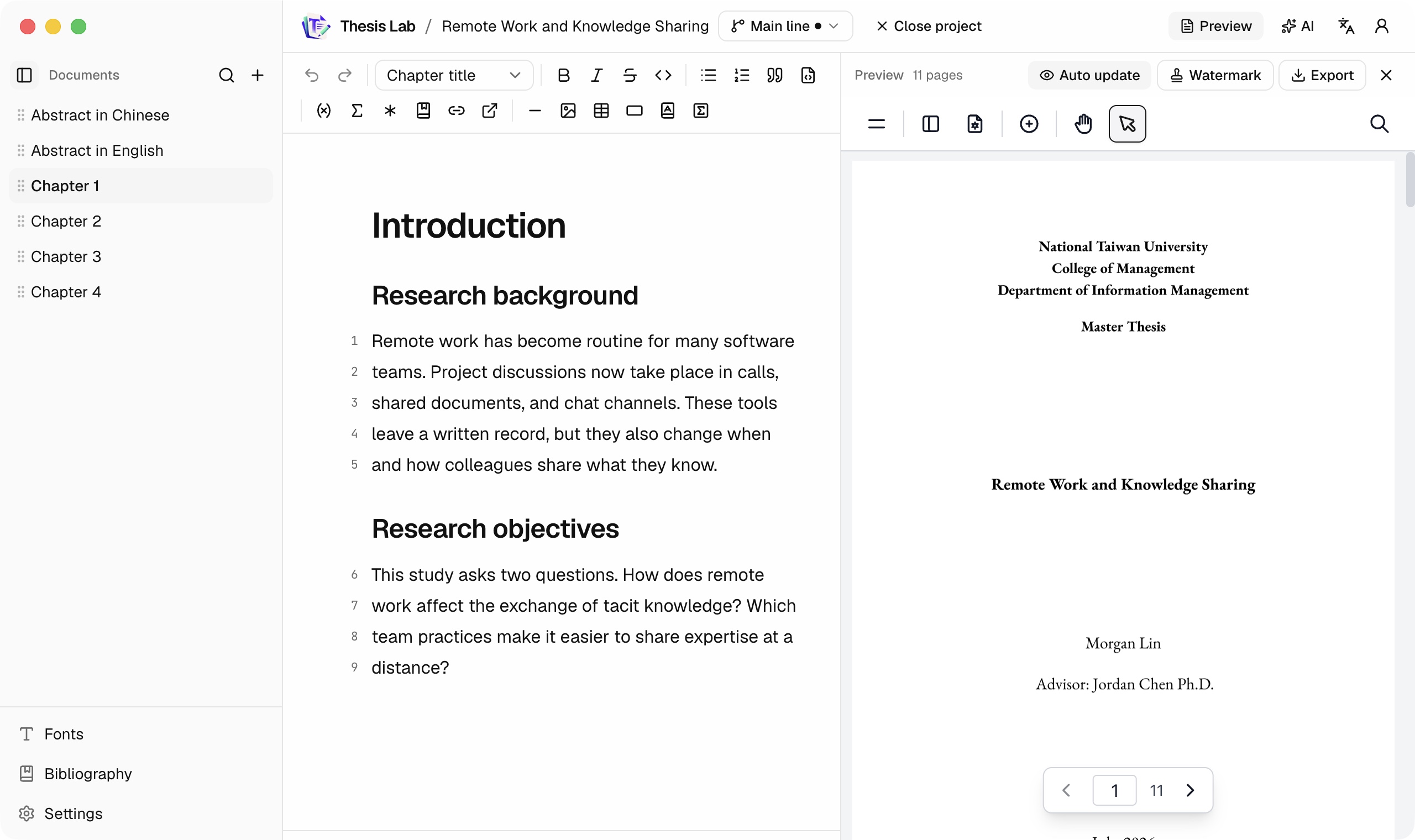
Write in Markdown and build a thesis PDF with your school’s template.
See the editorWrite in Markdown. The PDF sits next to the editor and follows your caret and scrolling. Click text in the PDF and the caret jumps to the same passage.
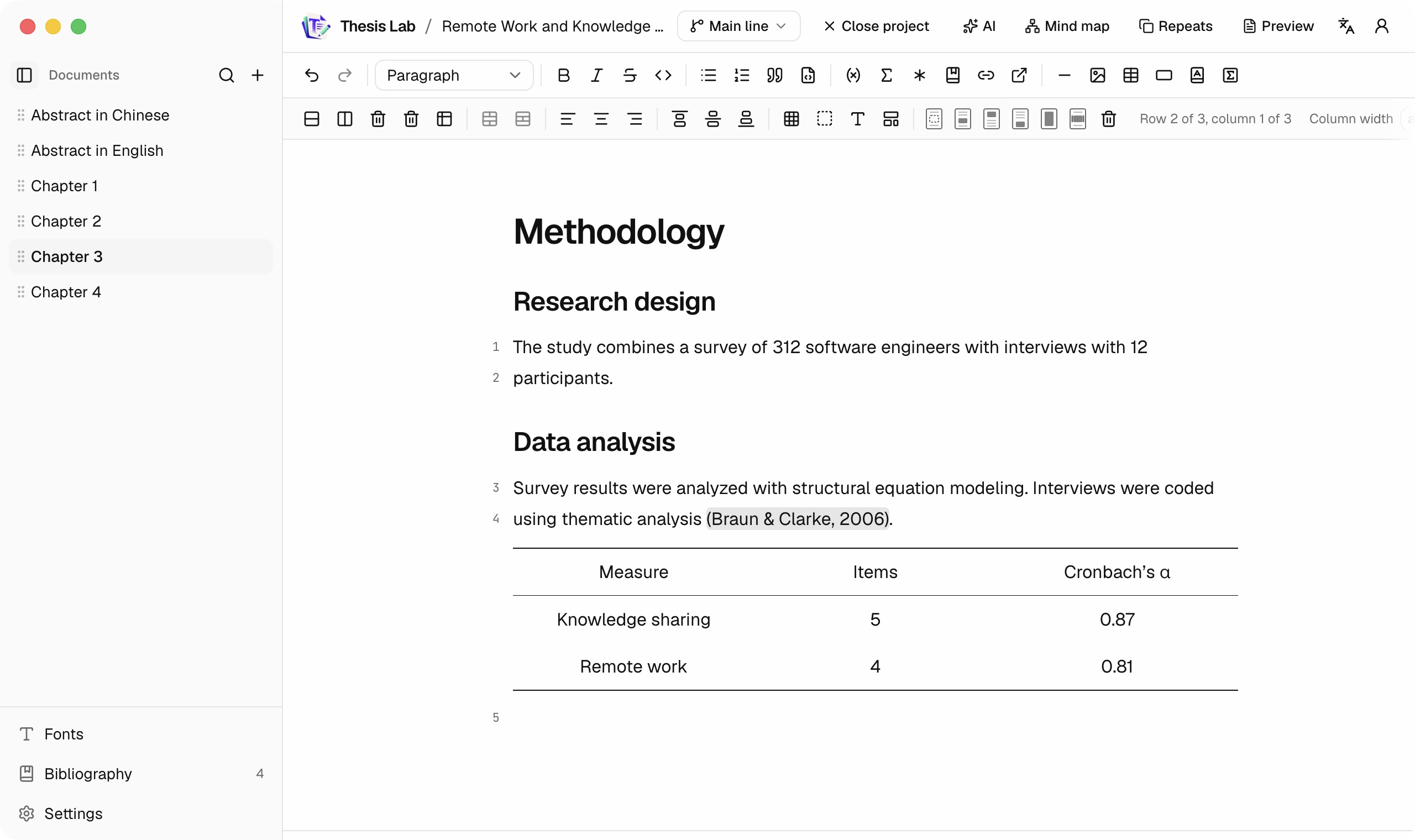
Merge cells and adjust borders and column widths. Start with a template such as a payoff matrix or regression table, then fill in your own data.
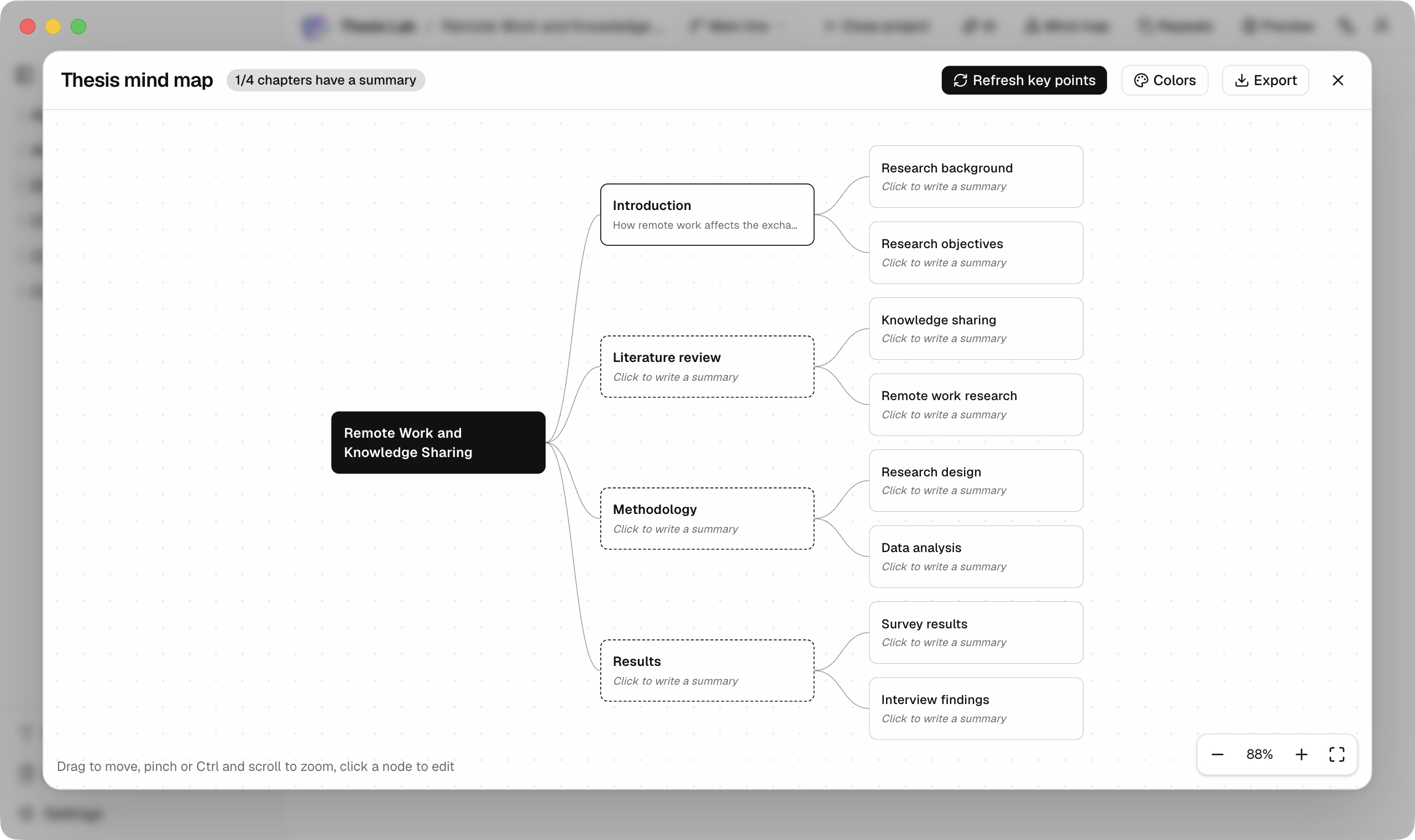
See every chapter and section on one map. Add a short summary to a chapter, or use a node to jump back to the corresponding heading in your draft.
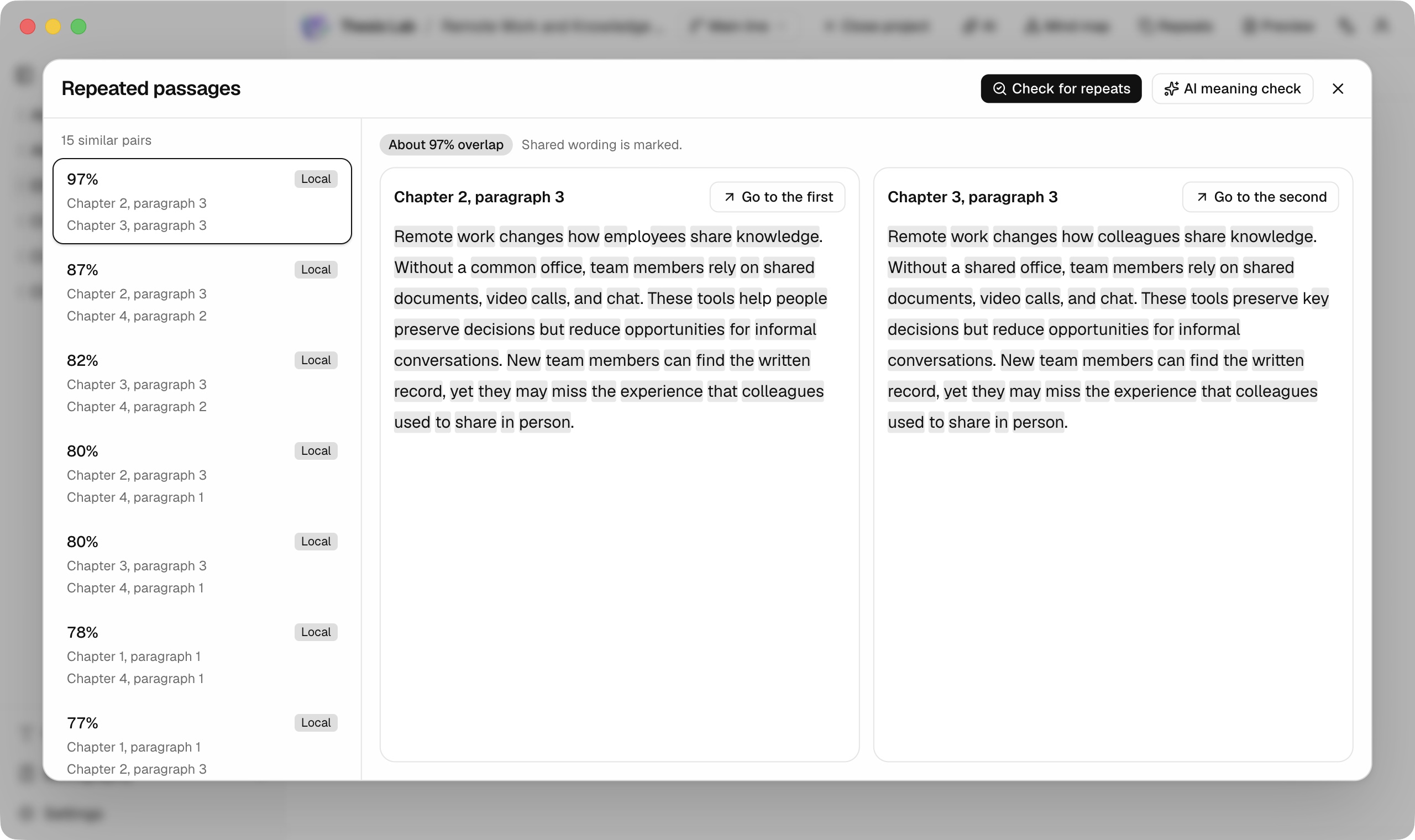
Check the thesis for overlapping wording. Compare two passages side by side, see the matches highlighted, and jump back to edit either passage. The check works offline.
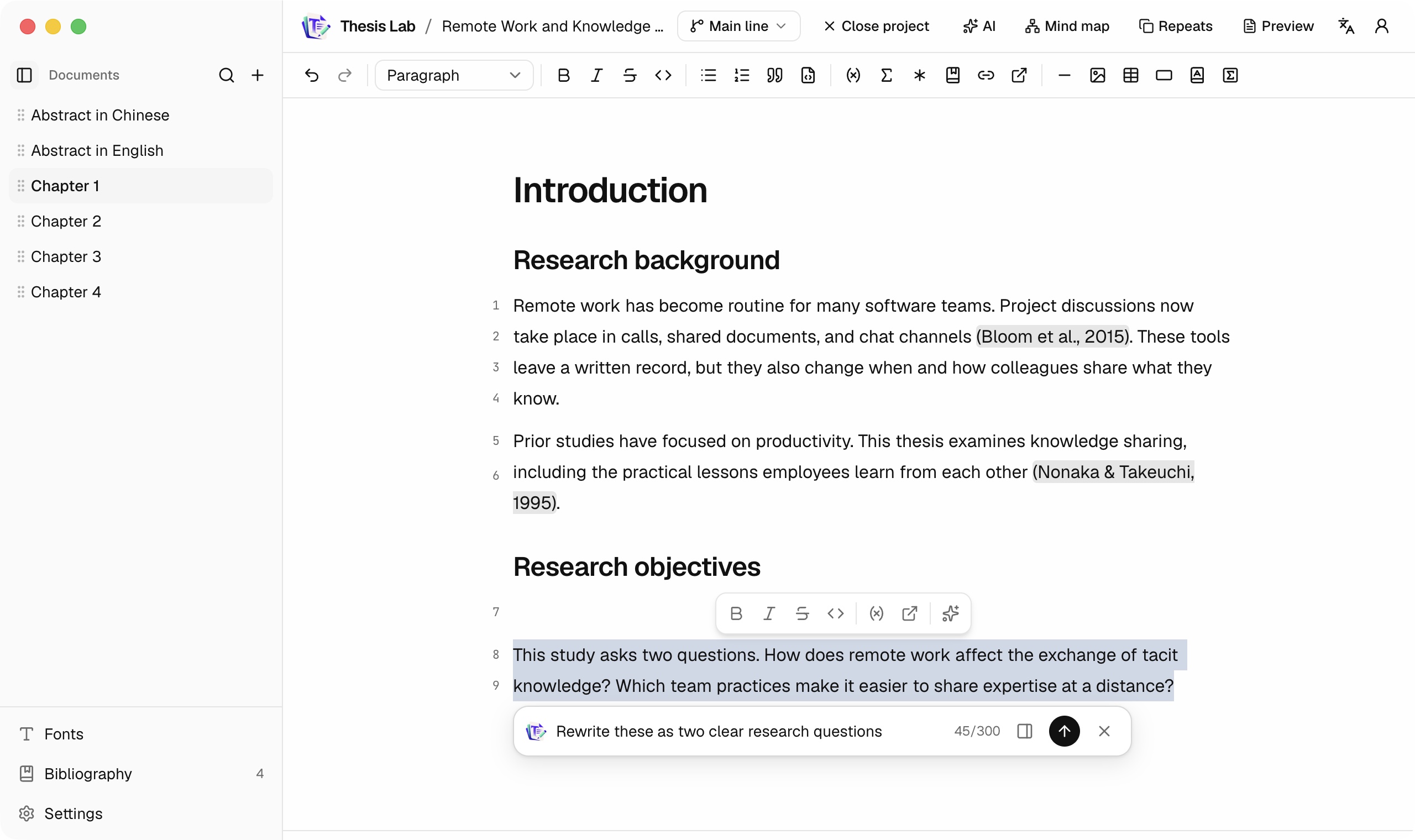
Select a passage and tell the AI what to change in your own words. Review the suggested edits, then accept or reject each one before applying them to your draft.
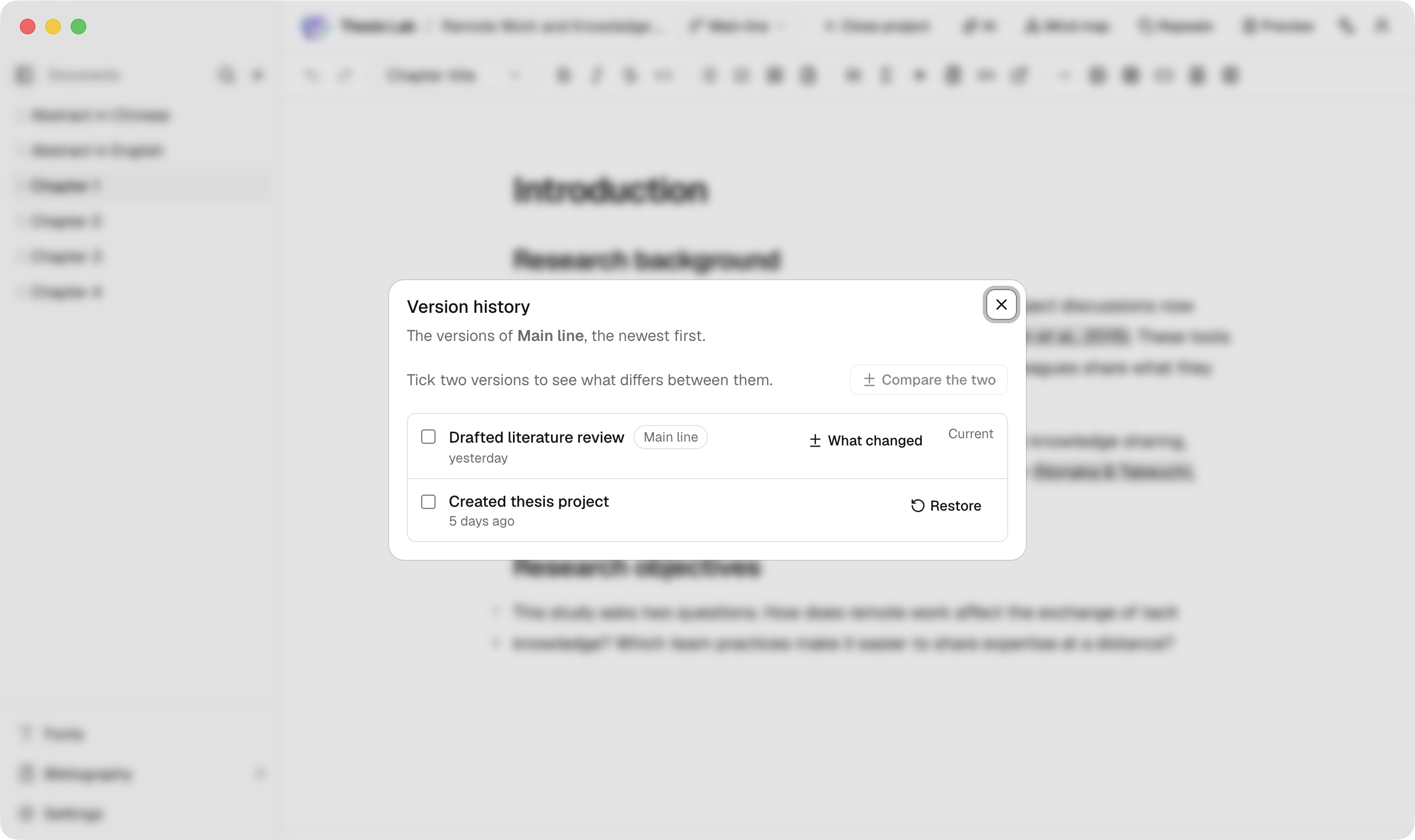
Save a version of your draft and open a branch to try changes. Compare versions before merging changes into the main line, or restore an earlier version.
Add formulas, footnotes, figures and code to your draft. Definitions, lemmas and theorems get their own numbering, and you can drag blocks to rearrange them.

Import BibTeX and choose a citation style. Place the caret on a citation to see its source, or cross-reference figures and tables across chapters.
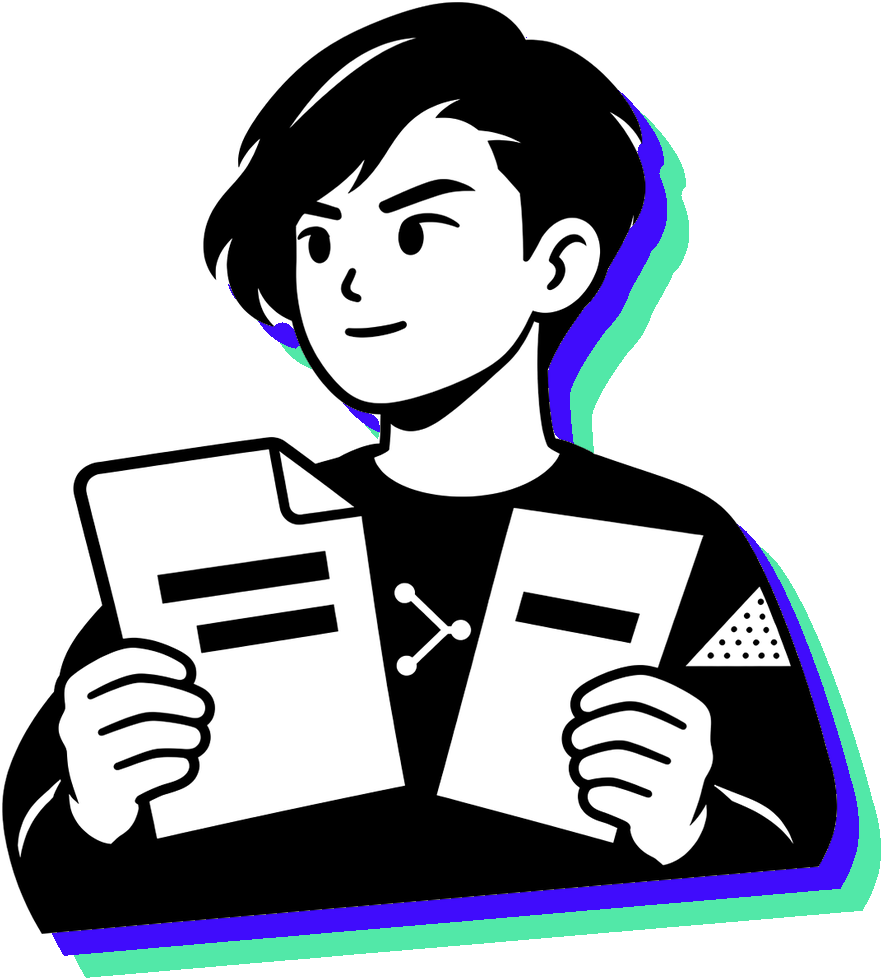
Compare both edits with the original when your branch and the main line change the same passage. Choose which text to keep before merging.

Keep each thesis in one .thesislab file. Export Markdown and images, or package a Typst or LaTeX project to compile on another computer.
The target platforms are macOS, Windows and Linux.
Installers are not available yet. They will appear here once they are ready.
To find out when it is ready, write to support@thesislab.app

Not yet. Installers are planned for a later release, and this page will be updated.
No. Editing, previewing and building a PDF with Typst all run locally.
Not necessarily. Templates are for reference. Schools and departments have their own requirements, so check again before you submit.
No. It only revises paragraphs you already wrote, shows each change as a tracked change for you to decide on, and does not invent citations.
For now, yes. You need TeX Live on your computer. The Typst template needs nothing extra because Typst is bundled in the app.
Write to support@thesislab.app.